
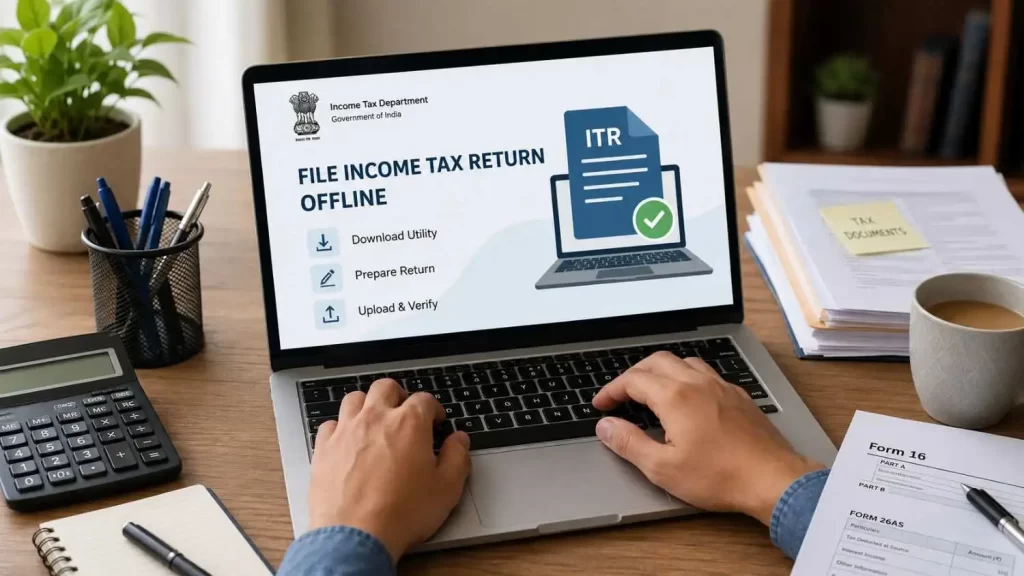
How to File ITR Offline: Filing your Income Tax Return (ITR) does not always require an internet connection. If you prefer preparing your return on your computer before uploading it online, the Income Tax Department offers an easy offline filing option.
Many taxpayers, especially first-time filers, senior citizens, professionals, and small business owners, find the offline utility more comfortable because they can review every detail carefully before submitting the return.
In this guide, you will learn exactly how to file your Income Tax Return in offline mode, download the required utility, upload the return, and complete the verification process without confusion.
Table of Contents
Why Do Some Taxpayers Prefer to File ITR Offline?
While online filing is popular, offline filing still offers several benefits.
You Can Work at Your Own Pace
There is no need to complete the entire return in one sitting. You can save your work and continue later.
Better Control Over Your Data
Many taxpayers like to review every entry carefully before uploading the return.
File ITR Offline: Helpful for Complex Returns
If your return contains multiple income sources, deductions, or tax details, the offline utility can make data entry easier.
Reduced Risk of Missing Information
The utility performs validation checks and alerts you about errors before submission.
Tax-Free Income Limit FY 2025-26: Is It ₹5 Lakh or ₹12 Lakh? Doubt Cleared
What You Need Before Filing ITR Offline

Before starting, keep the following ready:
- PAN Card
- Aadhaar Number
- Mobile Number linked with Aadhaar
- Form 16 (if salaried)
- Bank Account Details
- TDS Certificates
- Interest Income Details
- Capital Gain Statements (if applicable)
- Login Credentials for the Income Tax e-Filing Portal
Having these documents ready can save a lot of time during filing.
Step 1: Download the Offline Utility
The first step is downloading the Income Tax Return utility.
Visit the official Income Tax e-Filing portal and open the Downloads section.
Choose the relevant Assessment Year and download either:
- Common Offline Utility, or
- Excel Utility for the applicable ITR form
Most taxpayers prefer the Common Offline Utility because it supports multiple return forms in a single application.
Step 2: Install and Open the Utility
After downloading:
- Install the utility.
- Open the application.
- Select the Assessment Year.
- Click on “File Return.”
You will now see different options for importing taxpayer information.
Step 3: Import Pre-Filled Data
One of the best features of the offline utility is pre-filled data.
Instead of entering everything manually, you can download information already available with the Income Tax Department.
The utility can automatically fetch details such as:
- Personal information
- PAN details
- Tax payment details
- TDS information
- Certain income details
This reduces mistakes and saves time.
Step 4: Choose How You Want to Import Information
The utility offers multiple options.
Option 1: Download Pre-Filled Data Directly
Enter:
- PAN Number
- Assessment Year
- e-Filing Login Credentials
The utility will download available taxpayer data automatically.
Option 2: Upload Pre-Filled JSON File
If you have already downloaded a JSON file from the Income Tax Portal, simply import it into the utility.
Option 3: Import Draft Return
If you started your return online but wish to complete it offline, you can import the draft file and continue from where you left off.
Step 5: Select the Correct ITR Form
Choosing the correct ITR form is extremely important.
Depending on your income type, you may need:
- ITR-1
- ITR-2
- ITR-3
- ITR-4
- Other applicable forms
Selecting the wrong form can lead to processing issues later.
If you are unsure, review the eligibility conditions before proceeding.
How Pensioners Can File ITR for AY 2026–27 (FY 2025–26): Step-by-Step Guide
Step 6: Enter Your Income and Deduction Details
Now comes the most important part.
Fill in details related to:
Salary Income
Enter information from Form 16.
Interest Income
Include savings account and fixed deposit interest.
Capital Gains
Report gains from shares, mutual funds, property, or other investments.
Business or Professional Income
Applicable for freelancers, consultants, and business owners.
Deductions
Claim eligible deductions under sections such as:
- 80C
- 80D
- 80CCD
- 80G
Carefully check every figure before moving ahead.
Step 7: Calculate Your Tax Liability
The utility automatically calculates:
- Total Income
- Taxable Income
- Tax Liability
- Refund Amount
This helps you understand whether:
- Additional tax is payable, or
- A refund is due
Review the calculations carefully.
How to Claim TDS Refund by Filing ITR-1 Online: Complete Step-by-Step Guide
Step 8: Validate the Return
Validation is a crucial step.
The utility checks for:
- Missing fields
- Incorrect entries
- Calculation errors
- Incomplete schedules
Fix all highlighted errors before proceeding.
A validated return has a much higher chance of smooth processing.
Step 9: Preview and Generate JSON File
Before submission:
- Review all information.
- Check personal details.
- Verify income figures.
- Confirm deductions claimed.
Once satisfied, generate the JSON file.
This file will be uploaded to the Income Tax Portal.
Step 10: Upload the Return on the Income Tax Portal
Login to your Income Tax account.
Navigate to:
e-File → Income Tax Return → File Income Tax Return
Select:
- Assessment Year
- Offline Filing Mode
- Filing Type
- Relevant ITR Form
Upload the generated JSON file.
After successful upload, proceed to verification.
Step 11: Verify Your Income Tax Return
Filing is not complete until verification is done.
Currently, taxpayers generally need to complete verification within the prescribed timeline after filing.
The easiest verification methods include:
Aadhaar OTP
Fast and convenient for most taxpayers.
Net Banking
Available through authorized banks.
Pre-Validated Bank Account
A secure option for quick verification.
Demat Account OTP
Useful for investors with linked Demat accounts.
Once verification is successful, your ITR filing process is complete.
Offline ITR Filing video provided by the tax Department.
Common Mistakes That Delay ITR Processing
Many taxpayers make avoidable mistakes.
Here are some common ones:
- Selecting the wrong ITR form
- Entering incorrect bank account details
- Missing interest income
- Claiming unsupported deductions
- Ignoring AIS and Form 26AS information
- Forgetting to verify the return
Avoiding these errors can help you receive refunds faster.
Expert Tip: Check AIS Before Filing ITR Offline
A growing number of notices are issued because taxpayers forget to match their return with the Annual Information Statement (AIS).
Before submitting your return:
- Review AIS
- Check Form 26AS
- Verify TDS details
- Match interest income
- Confirm investment transactions
This simple step can prevent future tax notices.
Frequently Asked Questions (FAQs)
Can I file my Income Tax Return (ITR) completely offline in India?
No. While you can prepare your Income Tax Return using the Income Tax Department’s Common Offline Utility or Excel Utility without an internet connection, the final return must be uploaded to the Income Tax e-Filing Portal. After uploading, you must also complete the verification process online.
Which documents are required for offline ITR filing?
To file your ITR offline smoothly, keep the following documents ready:
PAN Card
Aadhaar Number
Form 16 (for salaried individuals)
Bank Account Details
TDS Certificates
Interest Income Statements
Capital Gains Statements (if applicable)
AIS (Annual Information Statement)
Form 26AS
Having these documents ready helps reduce errors and speeds up the filing proccess online
What is the Common Offline Utility for ITR filing?
The Common Offline Utility is a software application provided by the Income Tax Department that allows taxpayers to prepare their Income Tax Returns offline. It supports multiple ITR forms, performs validation checks, imports pre-filled taxpayer data, and generates a JSON file for uploading to the Income Tax Portal.
What happens if I do not verify my Income Tax Return after filing?
Your ITR filing is considered incomplete until it is successfully verified. If you fail to verify your return within the prescribed time limit, the Income Tax Department may treat the return as invalid, and it may not be processed for refunds or tax compliance purposes.
Why should I check AIS and Form 26AS before filing my ITR?
AIS (Annual Information Statement) and Form 26AS contain important details about your income, TDS deductions, investments, and financial transactions. Matching your ITR with these records helps prevent mismatches, reduces the risk of receiving tax notices, and ensures faster processing of refunds.
Final Thoughts on File ITR Offline
Offline ITR filing remains one of the most reliable methods for taxpayers seeking greater control over their return preparation. The Common Offline Utility and Excel Utility provided by the Income Tax Department make filing easier, safer, and more organized.
Whether you are a salaried employee, pensioner, freelancer, or business owner, following the correct filing process can help you avoid errors, receive refunds faster, and stay compliant with tax laws.
Take your time, review every detail carefully, and complete the verification process promptly. A few extra minutes of checking today can save you from unnecessary tax issues later.
